
Payment guide · for complete beginners
How to pay with Bitcoin
Never used Bitcoin? Perfect, this guide is for you. We explain every tap, one step at a time. Bitcoin (BTC) is our default payment method. For Wise / PayID, contact us before paying; we send the payment details personally. Take your time, it's easier than it looks.
No Bitcoin yet? No problem
Buy Bitcoin with card, bank transfer or cash
You don't need to own crypto. Use your usual money to buy Bitcoin in about 2 minutes, then send it to your order address.
Credit / debit card
Buy BTC instantly with Visa or Mastercard in Coinbase, Binance, Swyftx, CoinSpot, MoonPay or Kraken. Choose the exact A$ amount shown on your order.
Bank transfer
Top up your exchange account by bank transfer (PayID / Osko in Australia, SEPA in Europe, Faster Payments in the UK), then buy BTC.
Cash
Use a Bitcoin ATM (coinatmradar.com shows the nearest one) or a cash-to-crypto service. Scan the QR code on your order page.
- 1. Place your order and keep the order page open.
- 2. Buy slightly more BTC than shown (to cover the network fee).
- 3. Send it to the address on your order page and paste the transaction ID.
Wise / PayID · contact us before paying
Bitcoin is the default. For Wise / PayID, place your order first, then contact us before paying at support@odyssey-bio.com or on Telegram/WhatsApp with your order number. We send the payment details personally; wait for them before transferring. Your order ships once the transfer arrives.
Step 1 of 9
Get ready
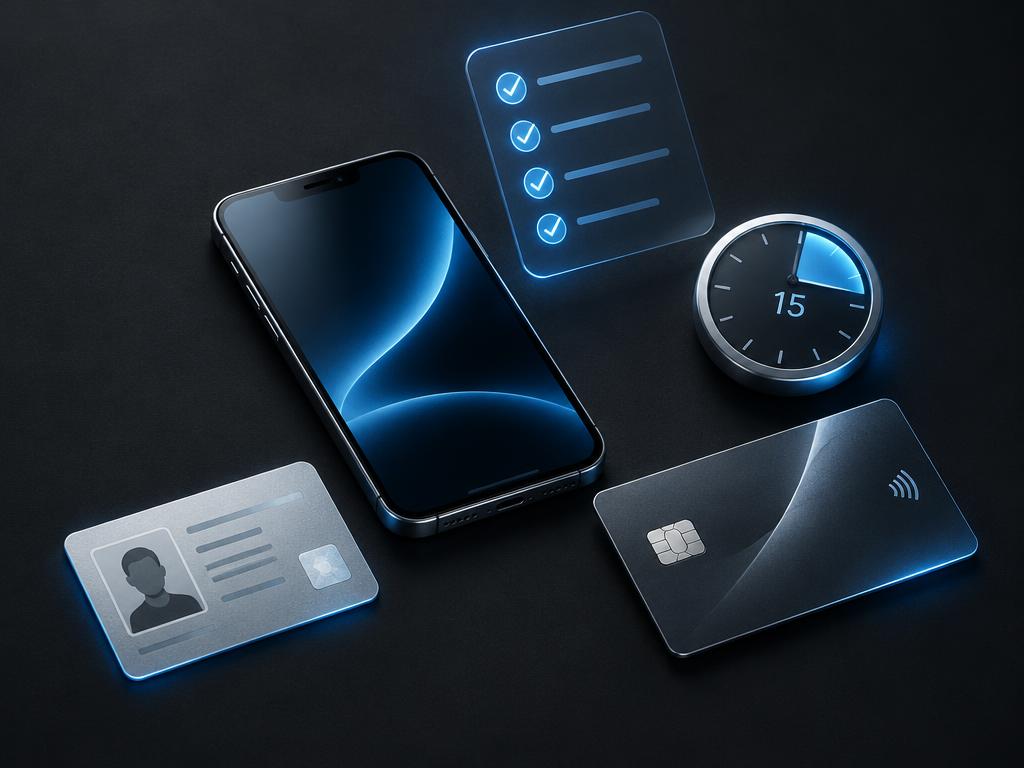
You only need 4 things. Have them next to you before you start.
- 1Your phone.
- 2Your ID (driver licence or passport).
- 3Your bank card or bank app.
- 4About 15 minutes. It is faster next time.
Bitcoin is simply digital money. You buy it in an app, then send it to us like a bank transfer. That's all.
Step 2 of 9
Download an exchange app
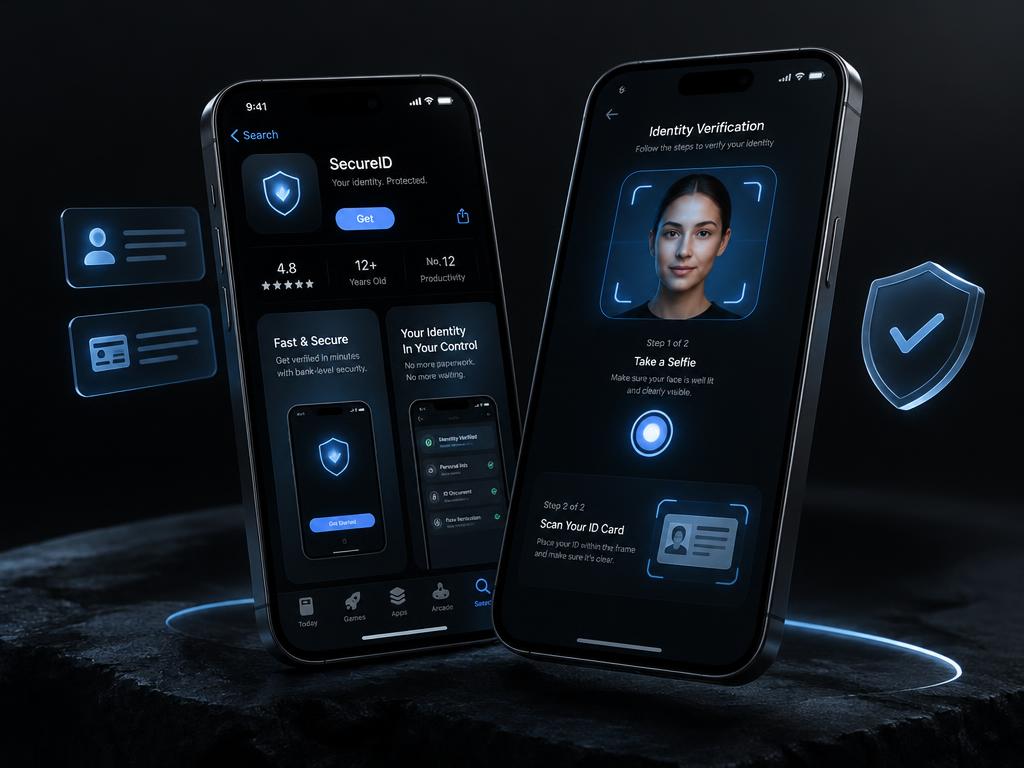
An exchange app is where you buy Bitcoin with normal money.
- 1Australia: CoinSpot or Swyftx. Other countries: Coinbase, Cash App, Revolut or Kraken.
- 2Open the App Store or Google Play, search the name, press Get or Install.
- 3Open the app and sign up with your email and phone.
- 4The app asks for a photo of your ID and a selfie. Follow its instructions.
- 5Approval usually takes a few minutes, sometimes up to a day.
We don't own or recommend any app. Choose one that is legal in your country.
Step 3 of 9
Buy Bitcoin
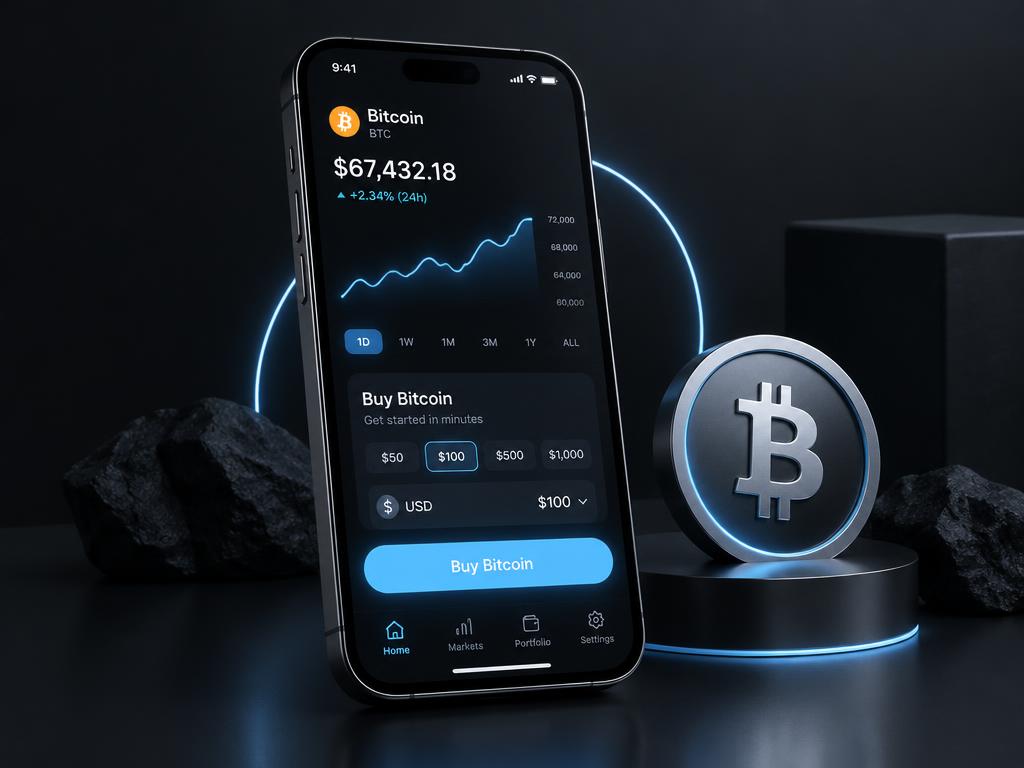
Now put money in and turn it into Bitcoin.
- 1In the app, press Deposit and add money from your bank (PayID, card or bank transfer).
- 2Press Buy, choose Bitcoin (BTC).
- 3Buy about A$10 more than your order total. The extra pays the small sending fee.
- 4Press Confirm. Your Bitcoin now shows in your app balance.
Not sure of your total yet? Do step 4 first, then come back.
Step 4 of 9
Order on our site
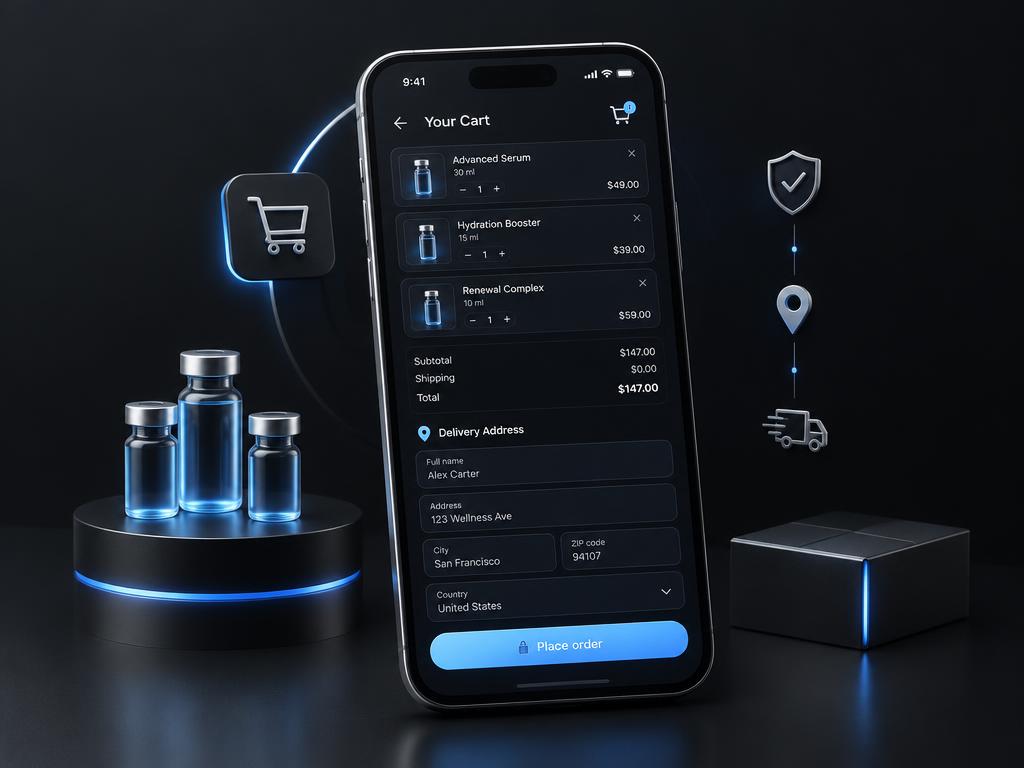
Pick what you want and tell us where to send it.
- 1Open a product, choose the strength and quantity, press Add to cart.
- 2Press the bag icon at the top, then Continue to checkout.
- 3Sign in or create a free account (it keeps your orders safe).
- 4Choose your country, type your full address and phone number.
- 5Press Place order. Nothing is charged yet.
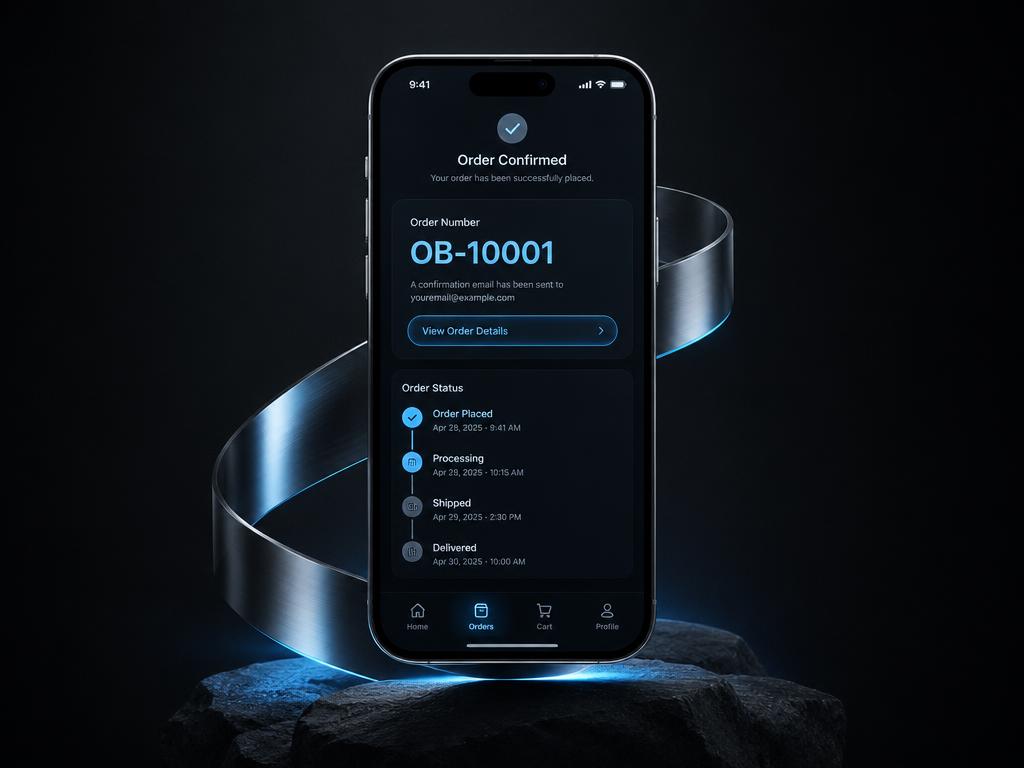
Step 5 of 9
Save your order number
Right after you order you get a number like OB-10001.
- 1Write it down or take a screenshot.
- 2Your order page opens automatically. It shows the exact amount to pay.
- 3Lost it? Go to Account, then Orders, and tap your order.
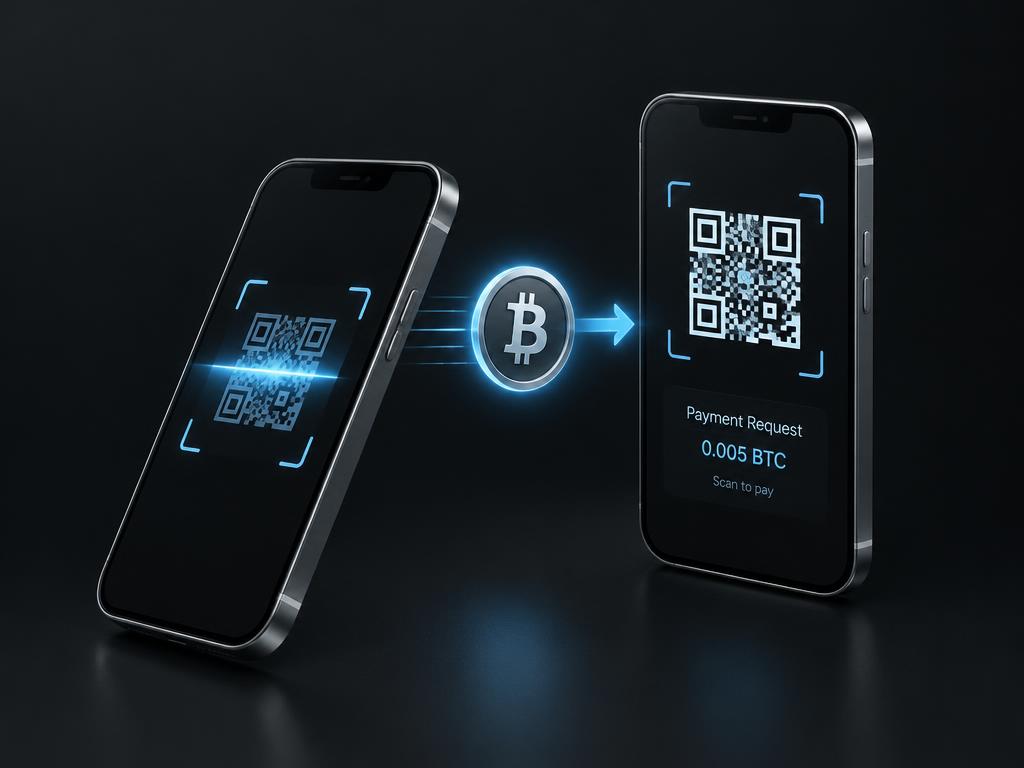
Step 6 of 9
Get our Bitcoin address
On your order page you see our address and a QR code.
- 1On a computer: open your exchange app on the phone and scan the QR code.
- 2On the same phone: press Copy next to the address.
- 3Only use the address shown on your own order page. We never send a different one by message.
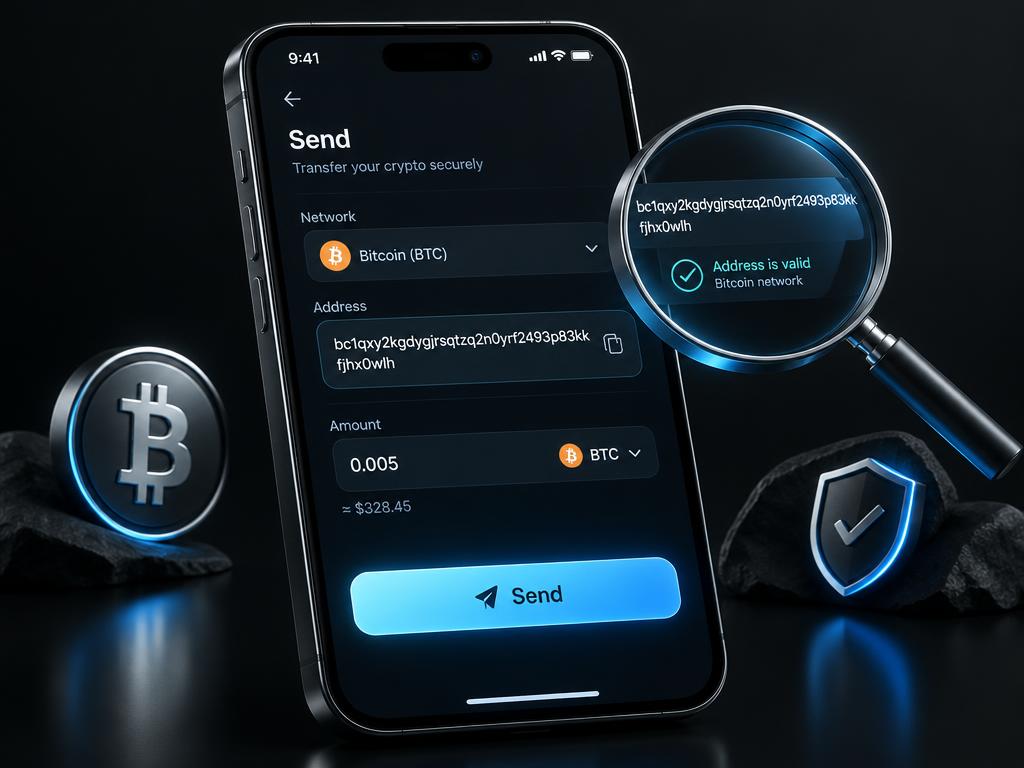
Step 7 of 9
Send the payment
This is the important part. Go slowly.
- 1In the exchange app press Send (or Withdraw), choose Bitcoin.
- 2Network: choose Bitcoin (BTC). Never BEP20, ERC20 or Lightning.
- 3Paste the address, or scan the QR code.
- 4Check the first 4 and last 4 characters match our address.
- 5Type the amount shown on your order page and make sure that amount arrives, not less after fees.
- 6Press Send and confirm. Status shows Pending, then Confirmed after about 10 to 60 minutes.
Bitcoin payments can't be undone. Checking twice takes 10 seconds.
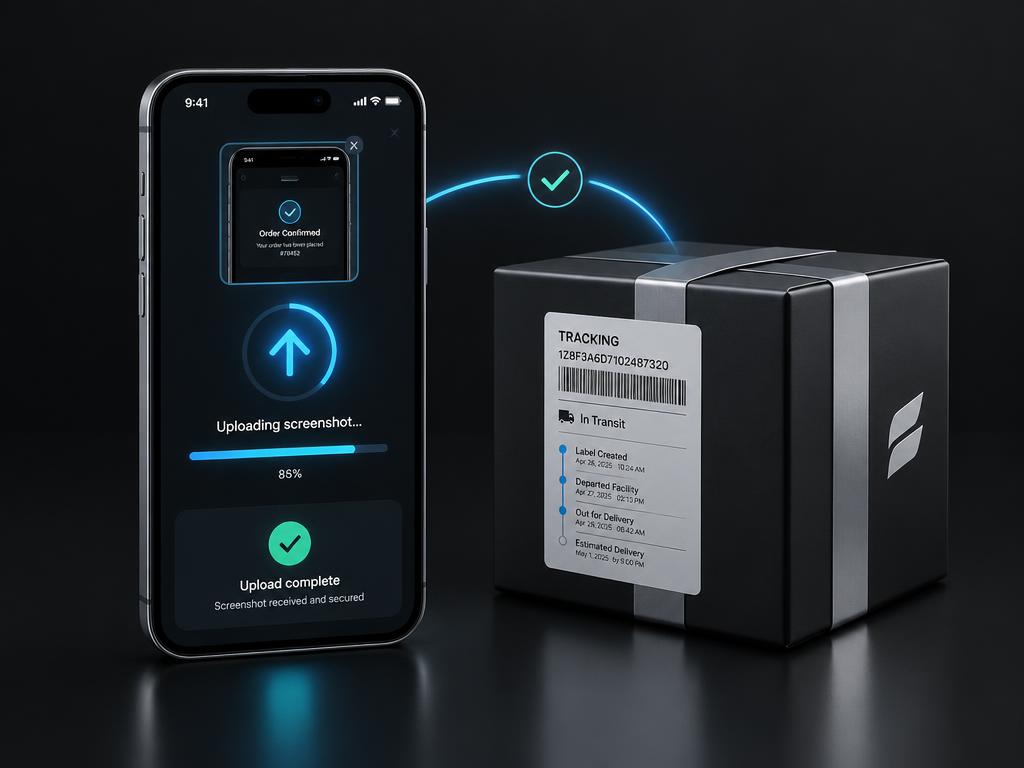
Step 8 of 9
Upload your proof
Show us you paid so we can match it fast.
- 1In the exchange app, open the payment in your history and take a screenshot.
- 2Copy the Transaction ID (also called TXID or hash) if the app shows one.
- 3Go back to your order page, press Upload screenshot and pick the photo.
- 4Paste the transaction ID and press Submit.
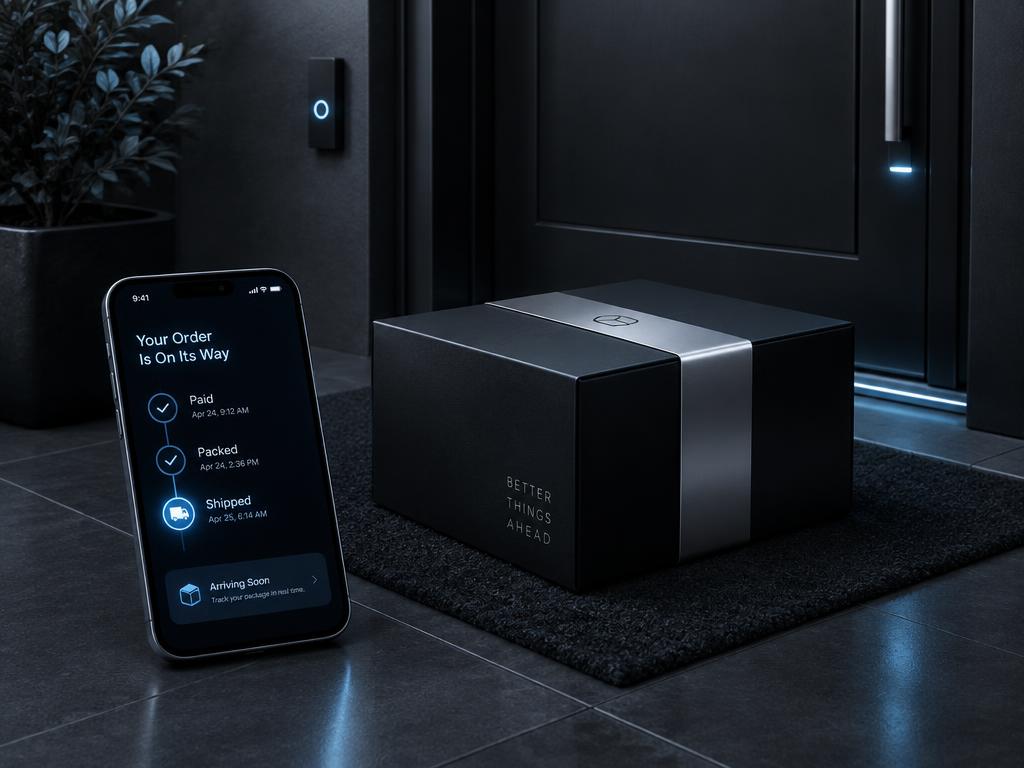
Step 9 of 9
We do the rest
You're done. Here's what happens now.
- 1We check the payment and mark your order Paid.
- 2We pack it and mark it Packed.
- 3We ship it with free express delivery and add your tracking number.
- 4You see every status on your order page and on Track order.
6 mistakes to avoid
1. Wrong network
Only Bitcoin (BTC). Other networks lose the money.
2. Paying too little
Some apps take the fee from the amount. The amount that arrives must match your order.
3. Typing the address
One wrong character sends money to a stranger. Always copy or scan.
4. Using an old address
Always take the address from your current order page.
5. No proof uploaded
Without a screenshot it takes longer to find your payment.
6. Paying before ordering
Place the order first, so you know the exact amount and have an order number.
Questions people ask
Can I pay with card or bank transfer?
Bitcoin is the default. For Wise / PayID, contact us before paying to receive the details personally. Card checkout is not available; you can use your card in an exchange app to buy Bitcoin.
How long does it take?
Setting up the app: 10 to 30 minutes the first time. The payment itself: usually 10 to 60 minutes to confirm.
How much are the fees?
The exchange charges a small buying fee and a sending fee, usually a few dollars. That's why we suggest buying about A$10 extra.
I sent too little. What now?
Upload your proof anyway and contact us with your order number. You can send the difference to the same address.
I sent too much.
Contact us with your order number. We'll sort it out with you.
I chose the wrong network.
Contact your exchange app first. Payments on the wrong network often can't be recovered.
Is it safe?
Yes, if you use the address on your own order page and check it before sending. We never ask for your passwords or app codes.
Is it private?
Your name isn't on the payment, but every Bitcoin payment is recorded on a public ledger.
Can I cancel after paying?
Bitcoin can't be reversed. Contact us with your order number and see our Returns page.
Do I need an account?
Yes, a free account lets you see your order, upload proof and track delivery.
The Bitcoin price changed after I ordered.
Pay the amount shown on your order page at the time you pay. If unsure, contact us first.
Still stuck? Contact us with your order number. We're happy to walk you through it.